United States
 Canada
Customers cannot sit in your car before they book it, so your photos do the job. Clear, honest, consistent photographs reassure travelers and event planners and help them pick the right class. This guide is for licensed limousine and chauffeur operators who want better results from the photos on their profile.
If you are building a presence in the network, see building a directory profile that wins work and the joining a network checklist. Operators can join through the partners page; the network plan is $49.95 per month and includes a listing on LimousineWorldwide.Directory.
What customers look for
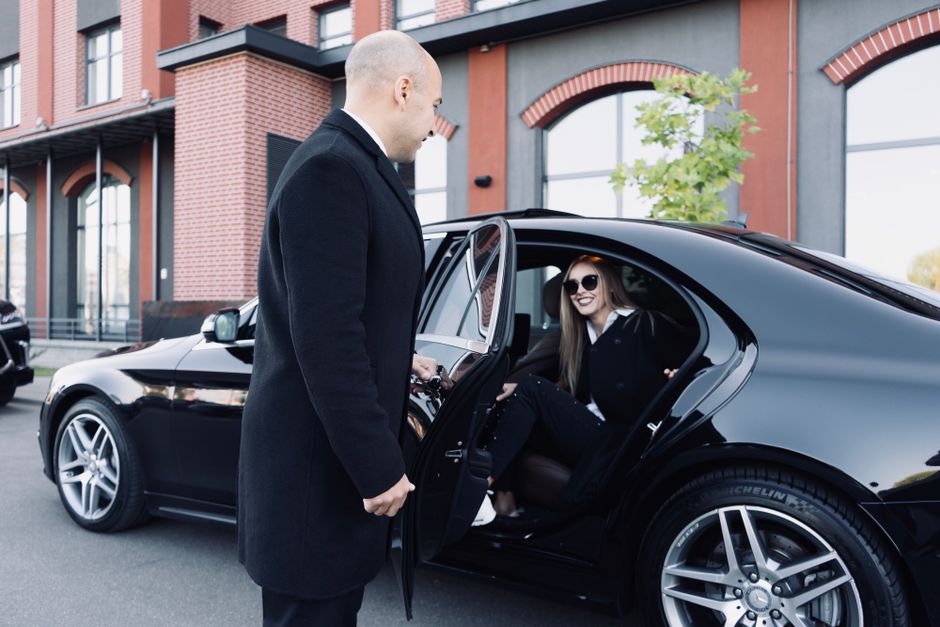
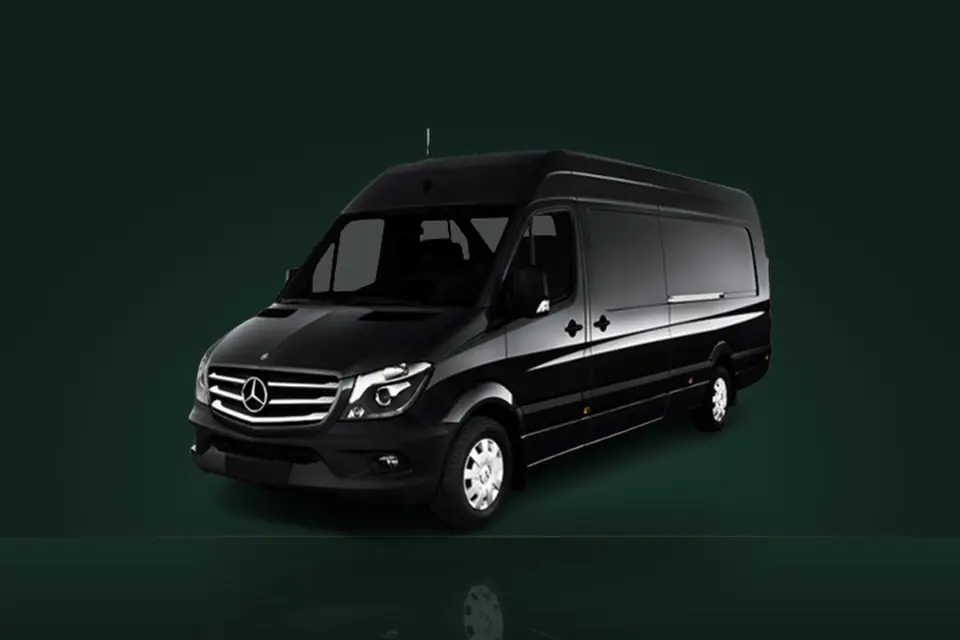
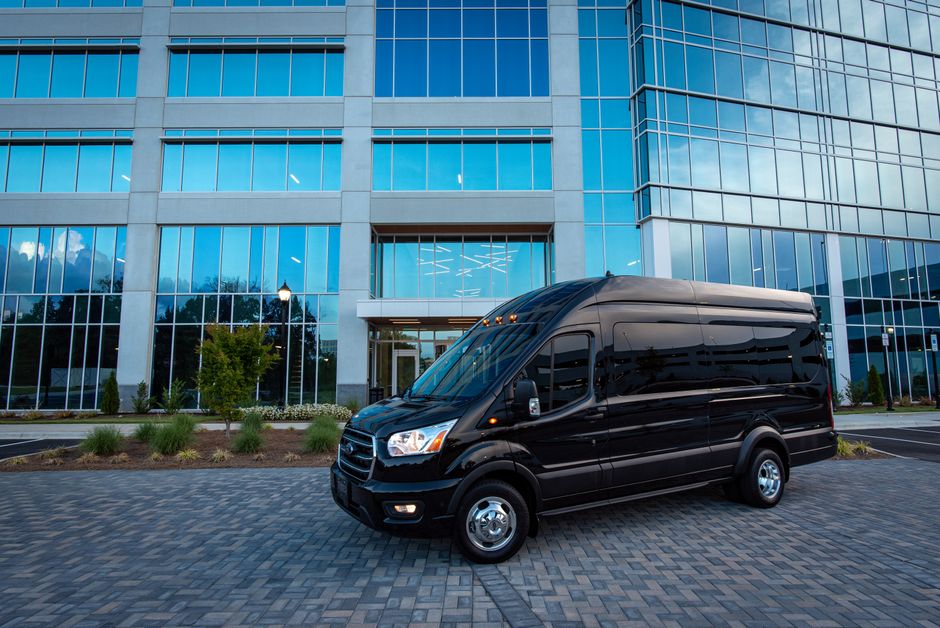
Different buyers care about different things. An executive assistant wants to see a clean, modern sedan and a professional driver. A wedding planner wants to see the interior, the seating and the room for a dress. A party group wants lighting, seating and space. Match the shots to the class, and avoid showing a vehicle you cannot supply. The stretch limousine, executive Sprinter and party bus guides show what customers expect from each.
The core shot list
- Front three-quarter exterior: the standard hero shot. Stand slightly above the headlights and a few steps back.
- Side profile: shows length, which matters for stretch vehicles and Sprinters.
- Rear three-quarter: shows the trunk or rear doors.
- Interior wide shot: from the rear door looking forward, showing seating and legroom.
- Interior detail: seats, controls, lighting and any amenities.
- Luggage space: an open boot or cargo area, ideally with bags for scale.
- Dashboard and rear cabin: clean surfaces and working features.
Lighting and setting
Natural light does most of the work. Shoot in the hour after sunrise or before sunset, when the light is soft and reflections are low. Avoid midday sun and heavy shade. Choose a clean, uncluttered background such as an empty lot, a hotel entrance or a plain wall. Do not show license plates of customers or other vehicles. Wash and detail the car first, since dust, fingerprints and wet marks are visible in high-resolution images.
| Do | Avoid |
|---|---|
| Show the actual vehicle you will send | Stock images or another company's cars |
| Use consistent color and angles across the fleet | Heavy filters or editing that changes the look |
| Include interior and luggage shots | Only exterior photos |
| Update after any refit | Old photos of retired vehicles |
Accuracy matters more than glamour
A photo that oversells creates complaints. If the interior has a feature only some vehicles have, say so. If the vehicle class is a model range, such as the Mercedes Sprinter, label the capacity honestly. See the background on the Mercedes-Benz Sprinter if you need model detail. Customers compare your photo to the car that shows up. Matching them builds trust, and our chauffeur standards guide expands on the experience customers expect.
Technical basics
- Use landscape orientation for most shots, with a few portrait images for mobile.
- Shoot at the highest quality your camera allows, then export a web-sized version.
- Name files clearly, such as the vehicle class and angle, and add short descriptions for accessibility.
- Keep faces out unless you have written permission.
Google publishes guidance on photo quality for business listings at Google Business Profile help, which is a useful reference for general standards.
How photos help you win work
Photos only matter if you respond quickly. A customer who likes your pictures will ask for a quote, and the first operator to reply with a clear answer often wins. Read why speed wins and how operators get more trip requests. If you take farm-out work through the LimoFarmOut web app at app.limofarmout.com, accurate photos of the vehicles you offer help partners trust your listing.
Photographing each class
Different vehicles need different shots. For sedans, show the rear legroom and the trunk space with a suitcase or two, since business travelers care about bags. For SUVs, show the third row if there is one and the height of the step. For Sprinters, capture the aisle and the seating layout, and a photo with the door open showing the step. For stretch limousines and party buses, show the lighting, the seating arrangement and the open floor, taken at night if the interior lights are a selling point.
Checking your photos before you publish
- Is every vehicle shown one you actually run?
- Does the interior match the class and capacity you list?
- Are plates, personal items and customers out of frame?
- Are the photos sharp, level and free of heavy filters?
- Would a customer be surprised when the car arrives?
A short review by another person in your team often catches problems you miss. Update your photos when you add or retire vehicles, and keep the best images at the top of the profile.
Ready to put your fleet in front of customers? Join the network and upload your best photos.
Frequently asked questions
How many photos should I upload per vehicle?
Aim for a full set: front, side, rear, interior wide, interior detail and luggage space. More is fine if each shows something different.
Can I use stock or manufacturer images?
It is better to show your actual vehicles. Customers compare the photo with the car that arrives, and mismatches create complaints.
When should I update my photos?
After any refit, new vehicle or change in features, and at least once a year to keep the fleet current.